Scan the kiosk QR code to start a phone upload.
HARU PHOTO CARD
HARU PHOTO CARD
A photo-card kiosk flow where customers upload pictures on a phone, then design one or both card sides at the kiosk.
HARU PHOTO CARD
The PhotoCard welcome and editor screens
The screens are isolated application demos with sample content; actual features depend on each installation configuration.
Customer journey
Customer journey
Upload photos from a phone.
Choose a single-sided or double-sided card on the kiosk.
Edit the front and back, then preview the card.
Review quantity and price, pay and continue to the order and print queue.
Product features
Product features
Use a phone to upload photos while editing stays on the kiosk.
Create a single-sided or double-sided card.
Crop, scale, rotate and flip photos on each side.
Apply filters and frames and add stickers or text.
Preview both sides and confirm quantity and price before ordering.
Operator tools cover branch assets, prices, coupons, devices and order or print status.
@haru.uae
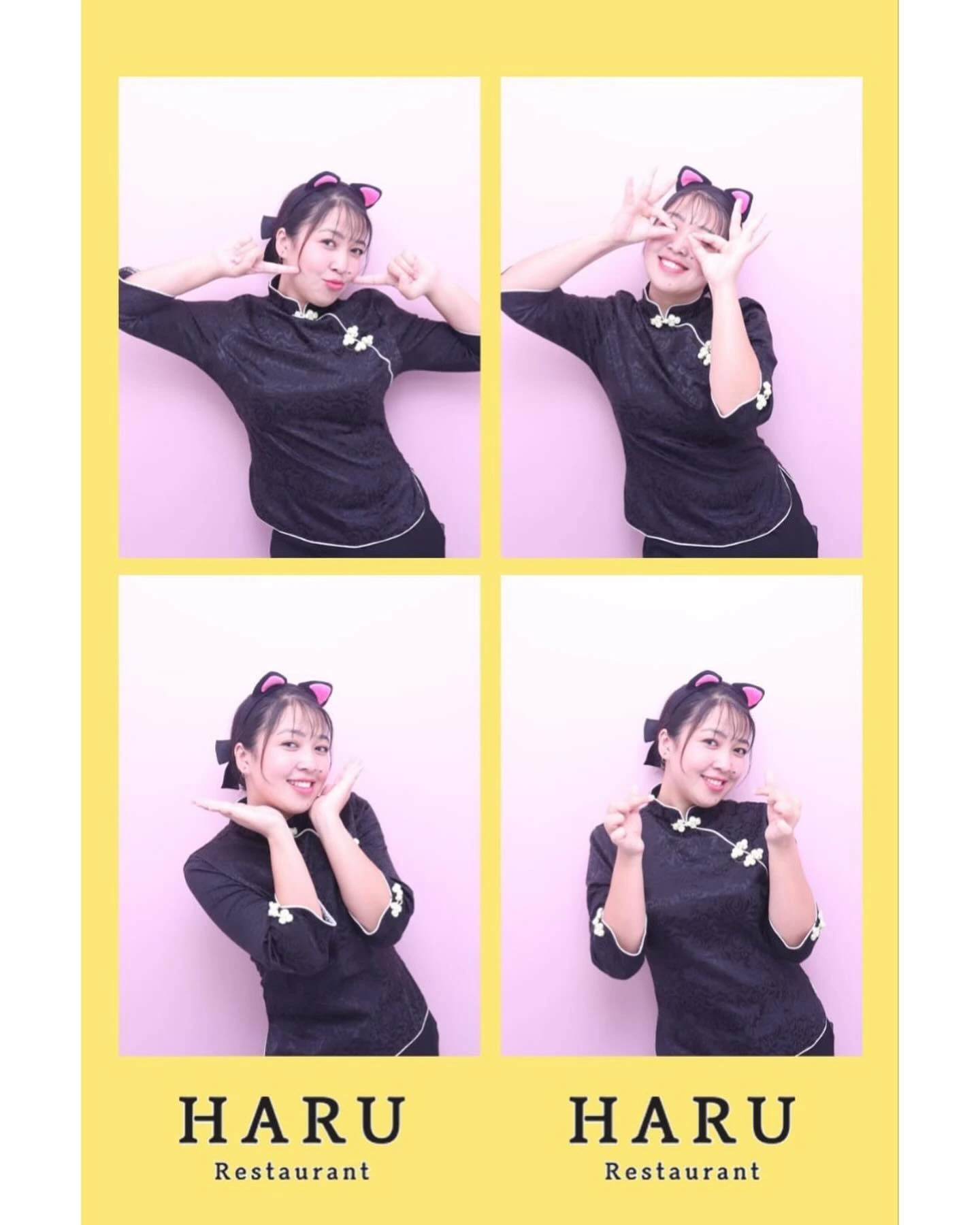
HARU Instagram photo-strip examples
Real HARU four-cut moments as design inspiration from our official Instagram. They are not PhotoCard kiosk output or proof of physical PhotoCard prints.


Ways to work with HARU
Ways to work with HARU
Equipment salesDiscuss purchasing photo equipment for a self-service setup.Equipment rentalAsk about renting photo equipment for a set period or event.Software supplyDiscuss supplying photo-kiosk software for an operator’s setup.Event operationPlan a photo experience for a temporary event or activation.HARU own-store serviceLearn about photo experiences operated as a customer service at HARU restaurants.
Ask about this product
Tell us which location, product or service you are asking about.
[email protected]