Photo card ↗
HARU PHOTO BOOTH / Software
Standard
Choose a frame, capture photos, select favorites and preview the layout.
- Branded frames & layouts
- 8–10 captures, by configuration
- Photo selection, order & layout review
- Filters & preview before printing
Explore the photo card ↗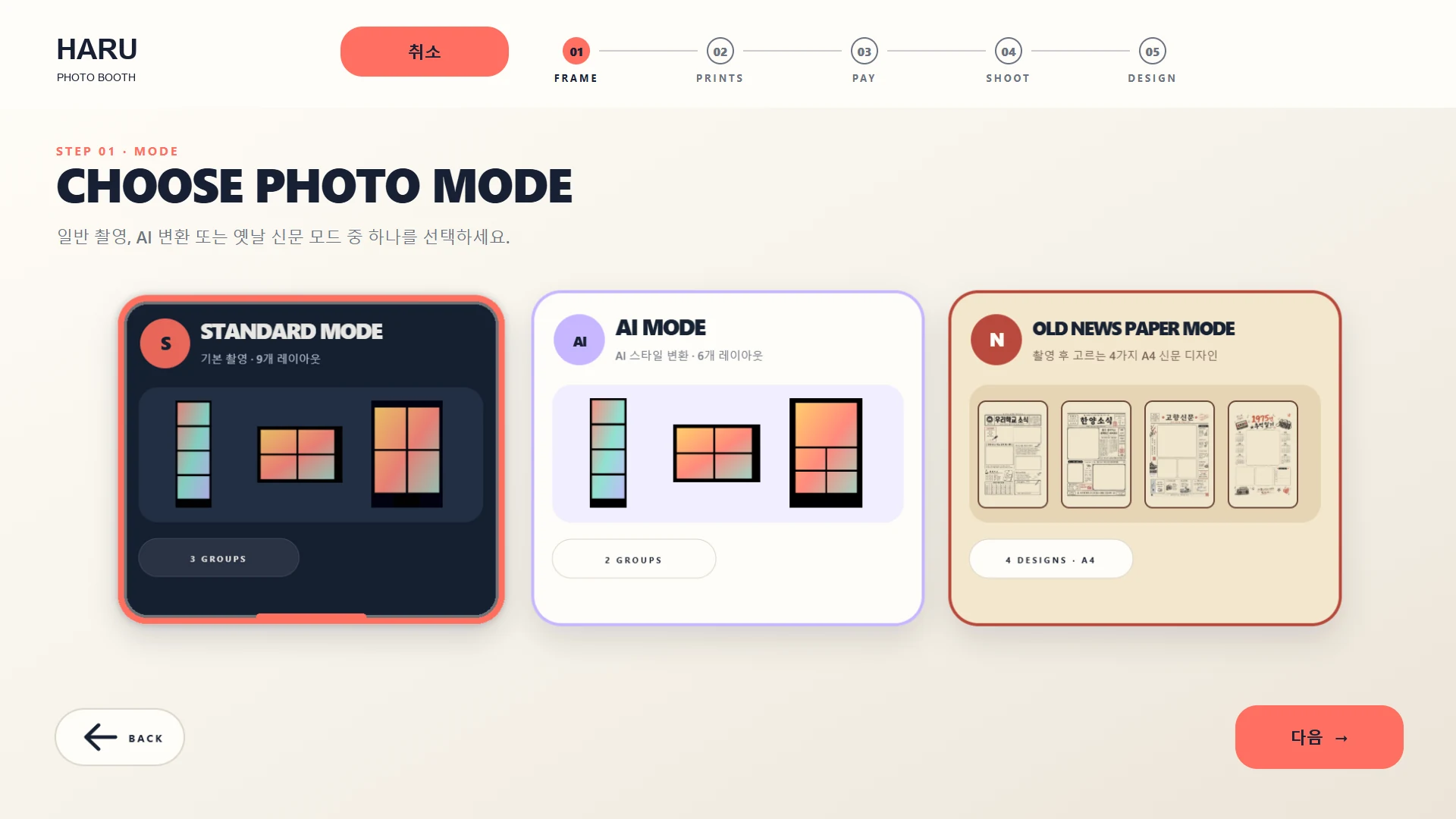 HARU branding demo screen / 01 · View the screen ↗
See details · Standard
- Choose a language, photo mode and frame.
- Continue through the configured print-count and payment steps.
- Take photos, choose favorites and review the layout before the configured output step.
Camera, payment and output depend on each configured installation.
See details · PHOTO EXPERIENCE
✳↗→↘MAKE A MOMENT
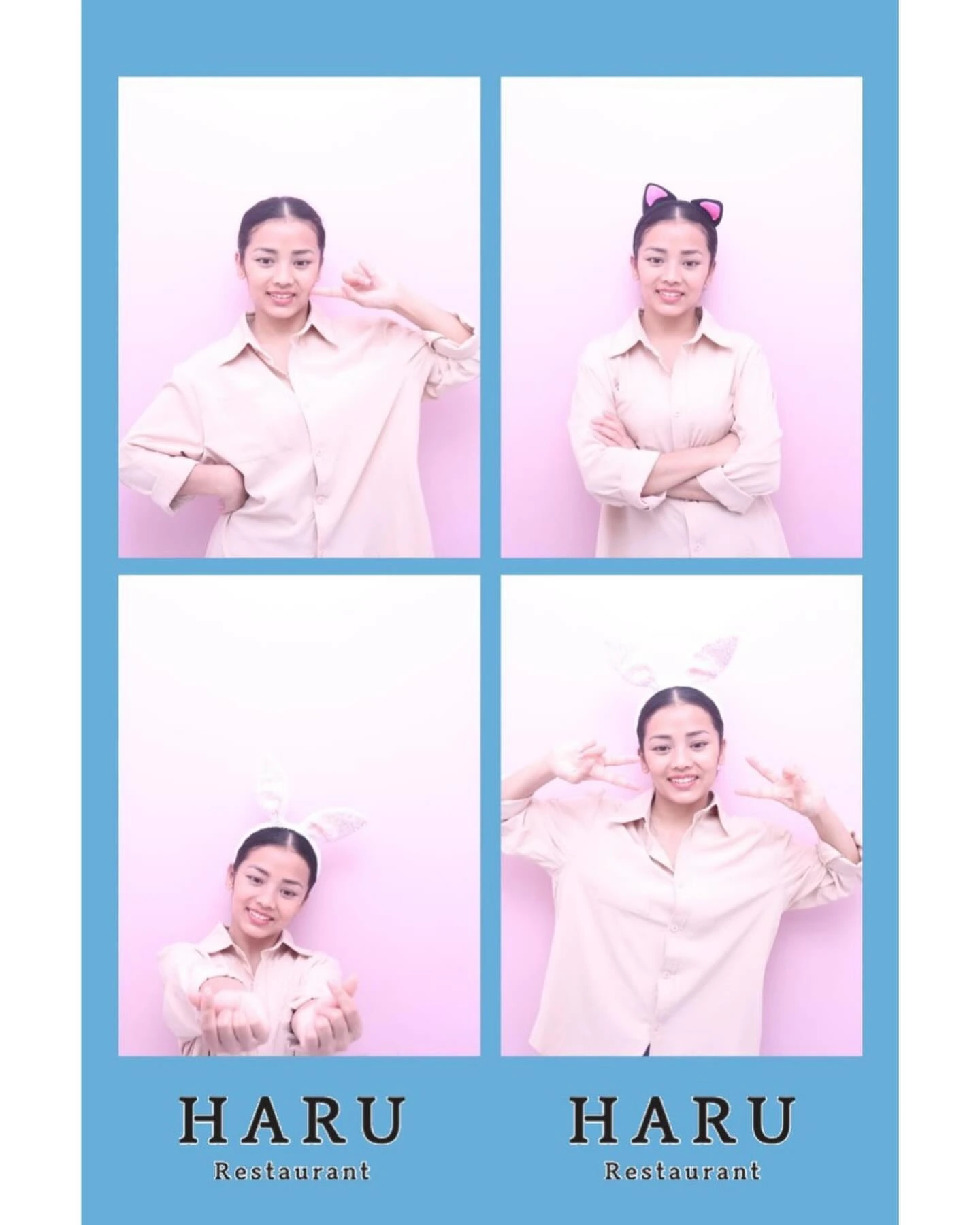 KEEP IT / 03
FROM A MOMENT
TO A MEMORY.
From a photo to a print, a new reason to enjoy your space.HARU / 01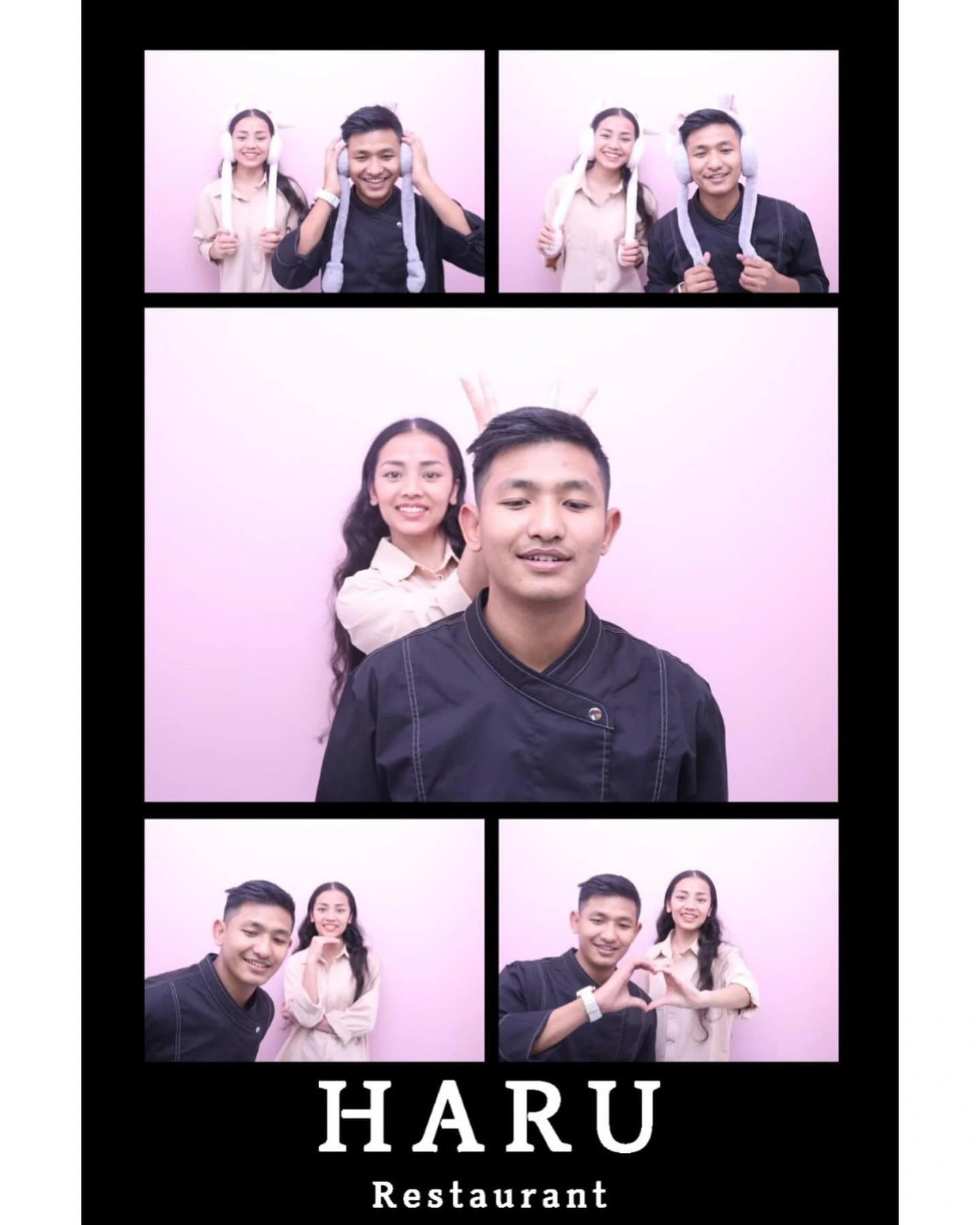 PHOTO EXPERIENCE ✳
 HARU / 02PHOTO EXPERIENCE ✳ HARU / 03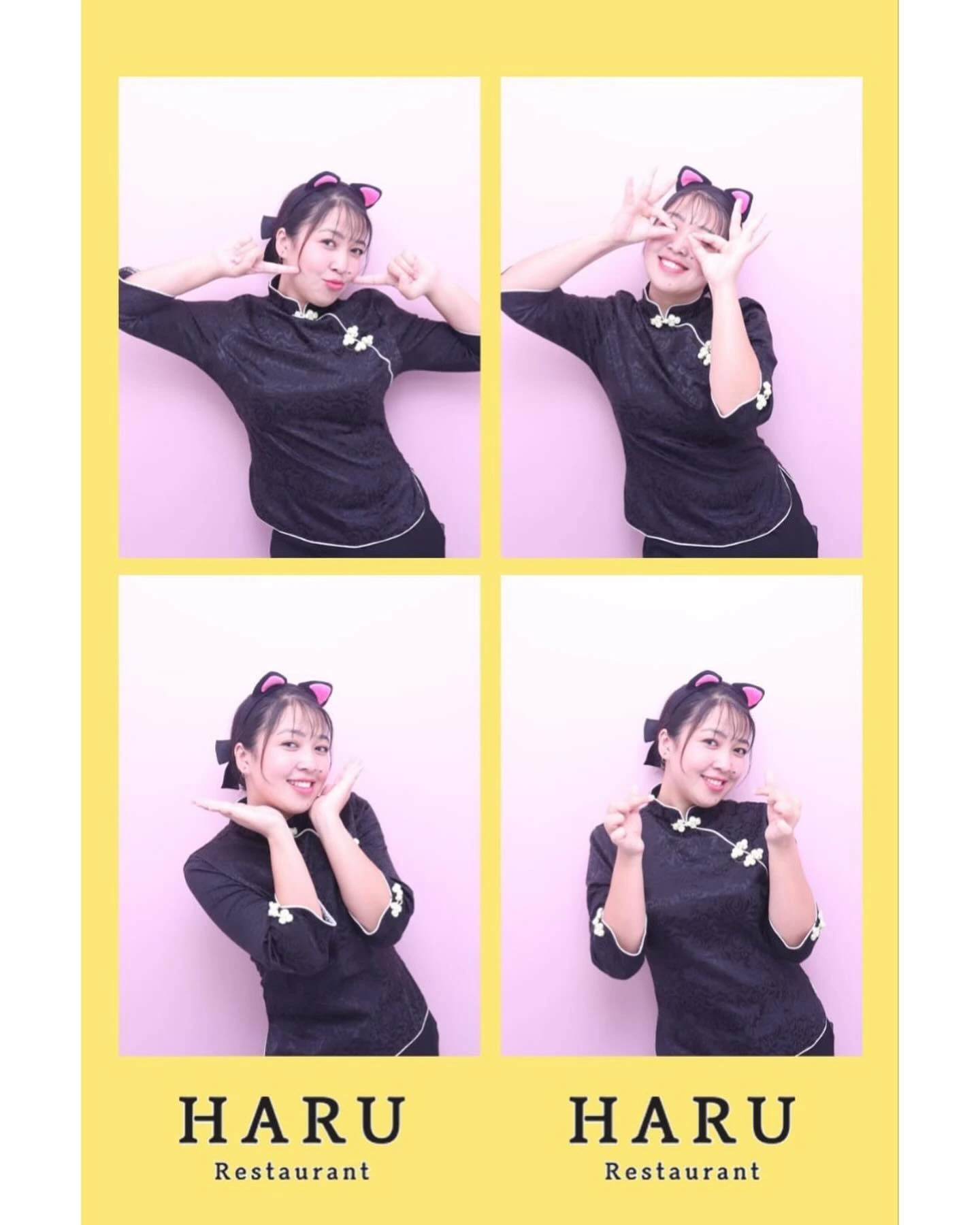 PHOTO EXPERIENCE ✳
 HARU / 01PHOTO EXPERIENCE ✳ HARU / 02PHOTO EXPERIENCE ✳ HARU / 03PHOTO EXPERIENCE ✳ See details · DNP RX1HS / DS620