HARU PHOTO BOOTH / Software
Newspaper
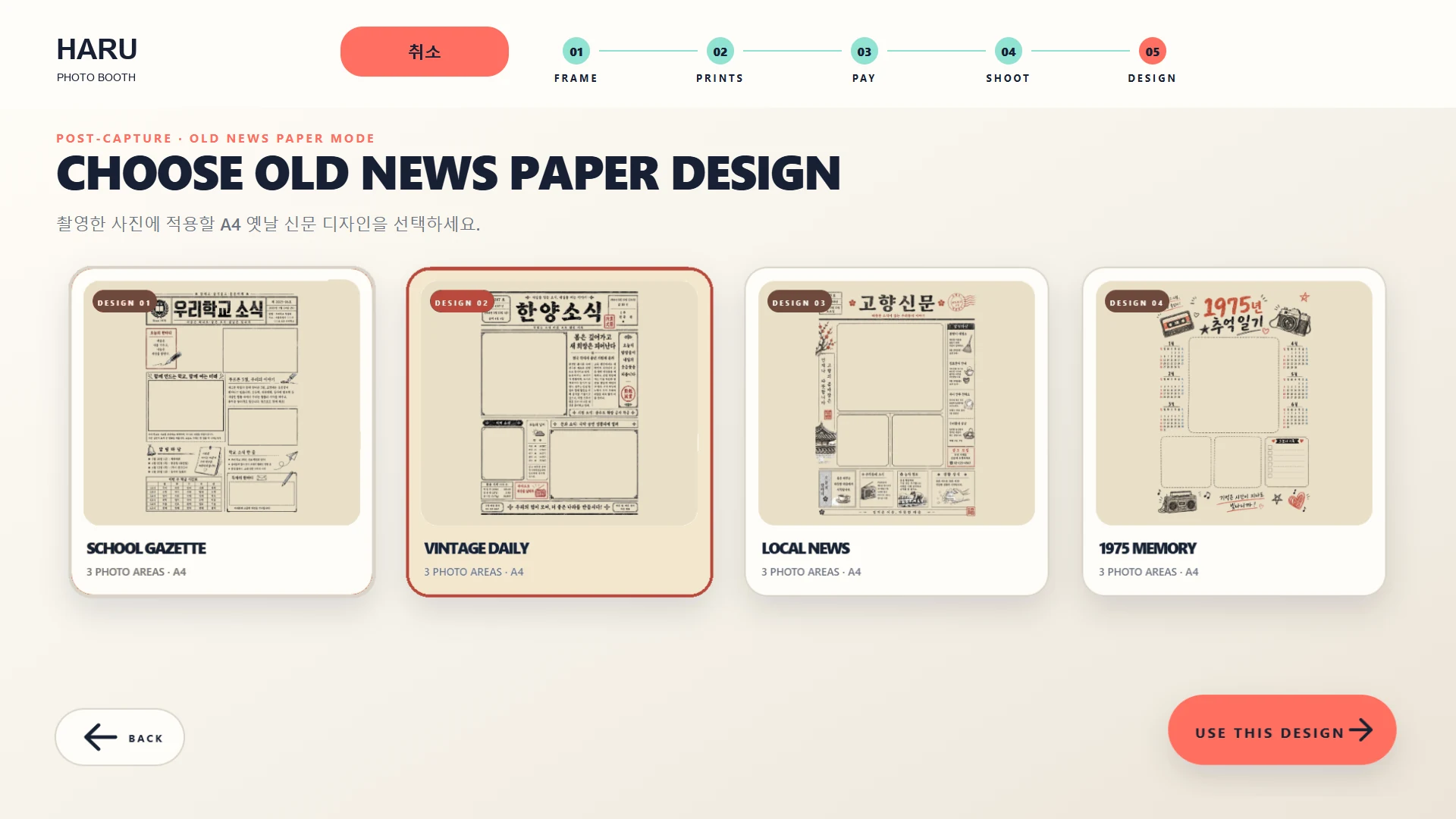
Choose from four A4 newspaper templates. Where configured, take eight captures and select exactly three in order.
A4 output depends on the connected printer configuration.
- 4 A4 newspaper templates
- Configured flow: 8 captures → select 3
- Selection order becomes the newspaper layout
- Layout review & A4 output by printer setup
See details · Newspaper
- Choose one of four A4 newspaper templates.
- Where configured, take eight captures, choose exactly three and order them.
- Review the composition; A4 output depends on printer configuration.
A4 output depends on the connected printer configuration.