HARU PHOTO BOOTH / Software
Sticker
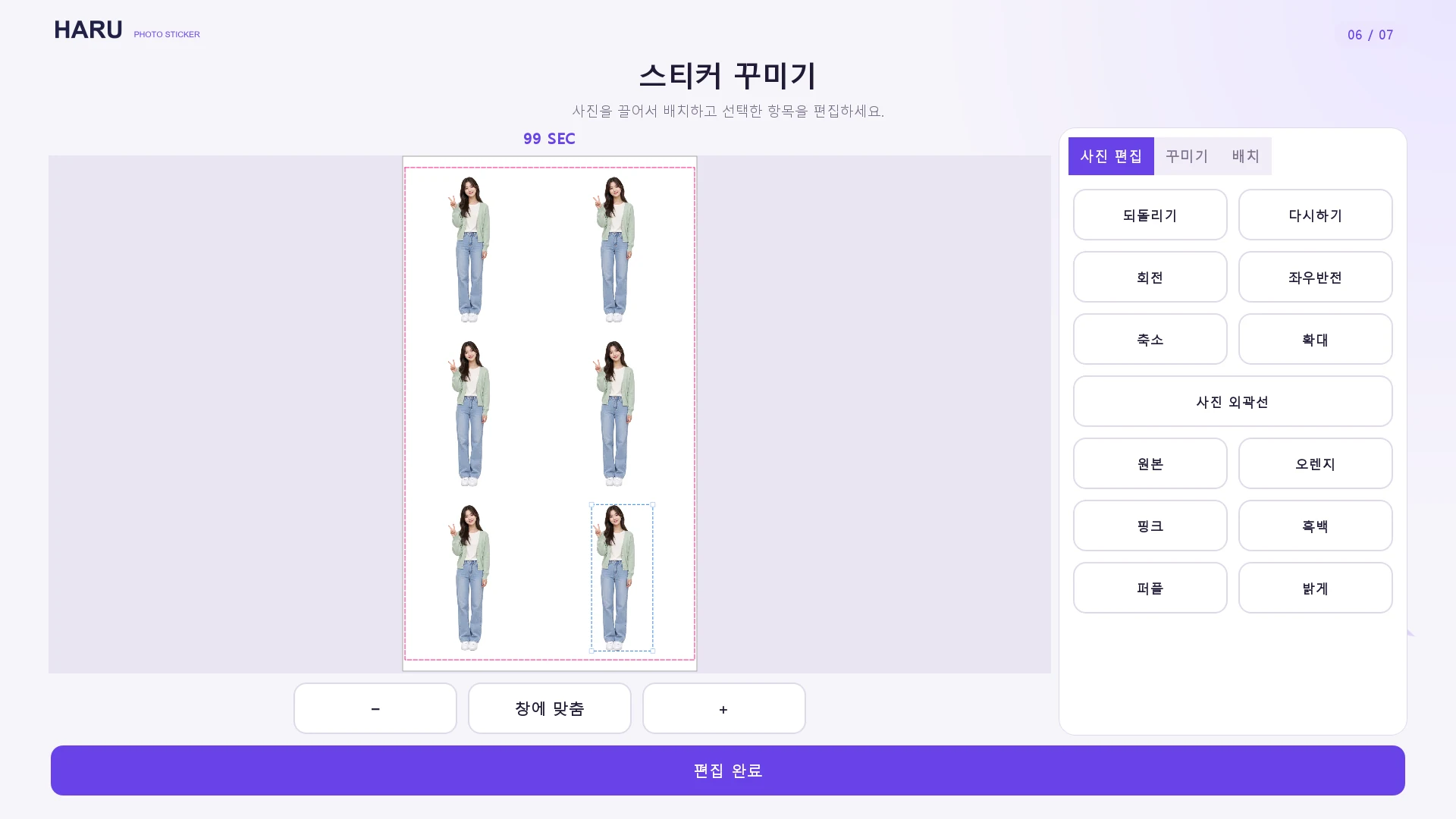
Capture or upload a photo, refine the cutout, edit and preview a sticker sheet.
The editor and preview are application demos with sample content. They do not prove live camera capture, AI cut-out, physical cutting or printing.
- Capture or upload
- Background removal, original review & edge brush
- Size, position, rotation & flip
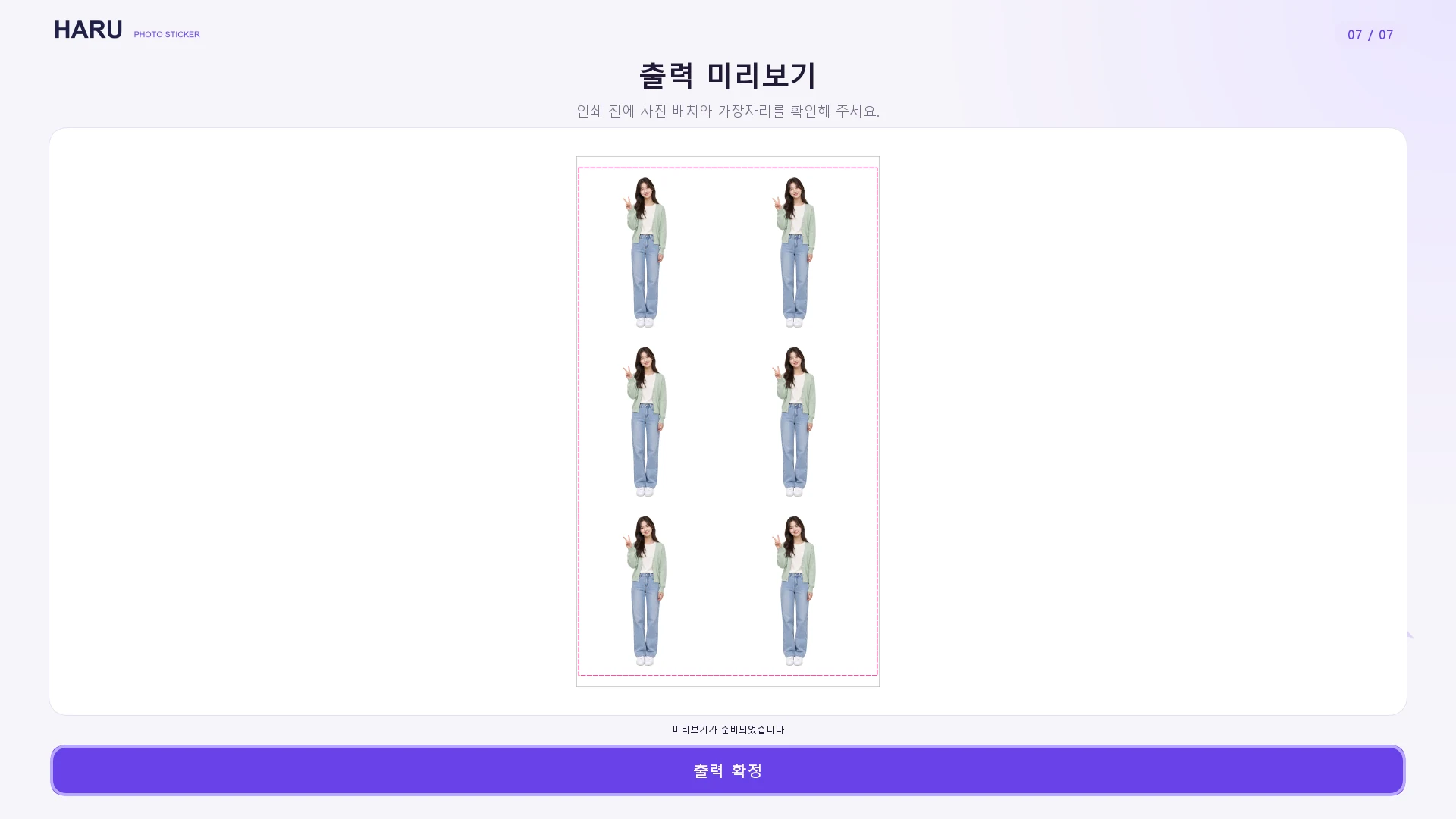
- Sheet layouts, stamps, filters & preview
See details · Sticker
- Capture or upload a photo in a configured session.
- Review the automatic cut-out and compare it with the original.
- Edit, arrange and decorate photo elements.
- Preview the sheet before any future output step.
The editor and preview are application demos with sample content. They do not prove live camera capture, AI cut-out, physical cutting or printing.